Business network infrastructure is the foundation of a company network: the cabling, fiber backbone, telecom rooms, racks and patch panels, plus the core network equipment such as gateways, switches and Wireless Access Points (APs) that every computer, phone, camera and app depends on. If that foundation is weak, nothing running on it performs the way it should.
For Dallas companies planning a move, a buildout or an upgrade, understanding these parts makes it easier to scope the project, coordinate with your IT provider and judge a contractor’s proposal.
The Physical Network vs. IT Management
It helps to split a business network into two parts. The physical network is everything installed in the building: the cables in the ceiling, the connections at each desk and device, the racks and patch panels in the telecom room, the fiber between floors, and the network hardware itself. IT management covers ongoing administration such as user accounts, security policies and help desk support.
Z-Tech installs the cabling and infrastructure, and also supplies, installs and configures UniFi gateways, switches, APs and cameras. If you have an IT provider, we coordinate with them so the network they manage is built on a clean, documented foundation.
Network Cabling: Cat6 and Cat6A Runs
Copper network cabling connects workstations, printers, phones, APs and cameras back to the telecom room. Most deployments use Cat6 or Cat6A depending on performance requirements and future growth. Cat6 is widely used for 1 Gbps networks and can support 10 Gbps over shorter distances. Cat6A supports 10 Gbps across the full channel length.
Distance matters. A copper horizontal run is designed as a permanent link of up to 90 meters, with patch cords at each end bringing the total channel to no more than 100 meters. That limit affects where telecom rooms need to go in a larger building. Z-Tech handles network cabling in Dallas for offices and commercial facilities of every size. For a deeper comparison, see how Cat6 and fiber compare.
Fiber Backbone Between Floors and Closets
When a connection needs to go farther than copper allows, fiber carries the backbone. Multimode fiber is commonly used for shorter runs within a building, and single-mode fiber for longer runs. The distance and speed a link supports depend on the fiber grade and the equipment at each end.
The backbone connects the Main Distribution Frame (MDF) to each Intermediate Distribution Frame (IDF), so every floor or wing of the building ties back to the core of the network. Fiber backbones and Cat6 or Cat6A horizontal runs are often installed together as one coordinated project.
The Telecom Room: MDF, IDF and Racks
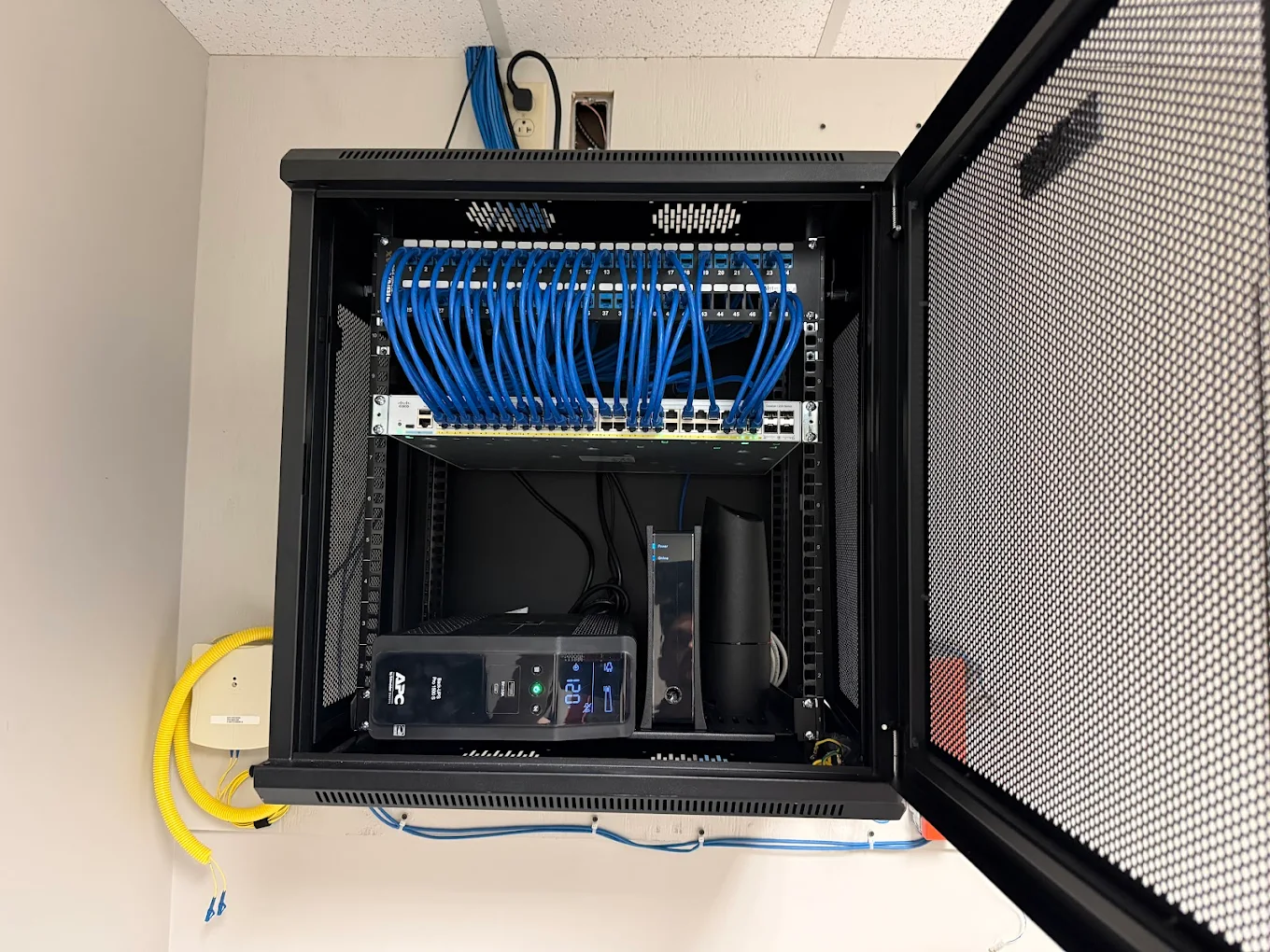
The telecom room is where the network comes together. The MDF holds the core equipment and the incoming service. IDFs serve floors or areas that are too far from the MDF for copper runs.
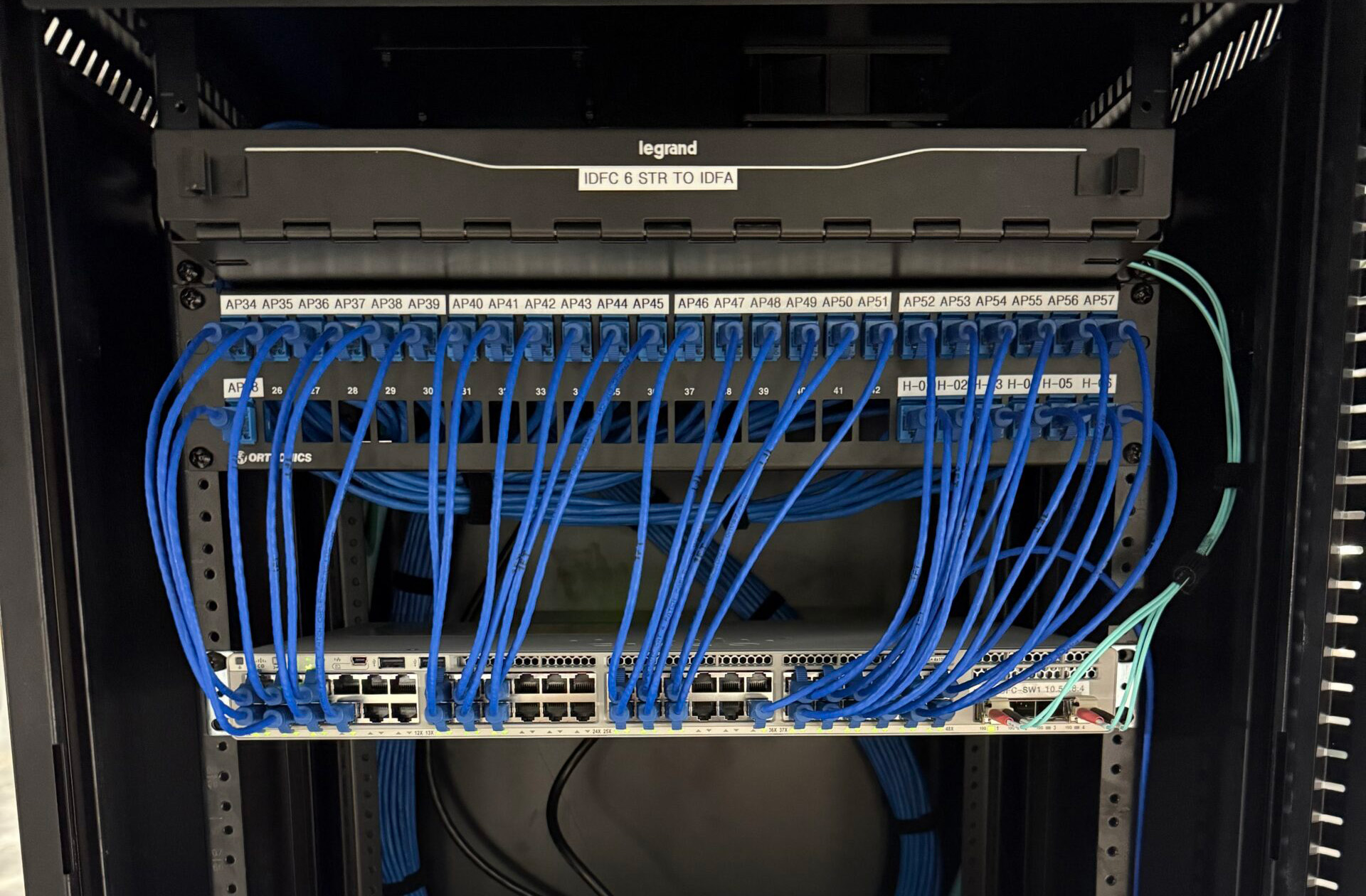
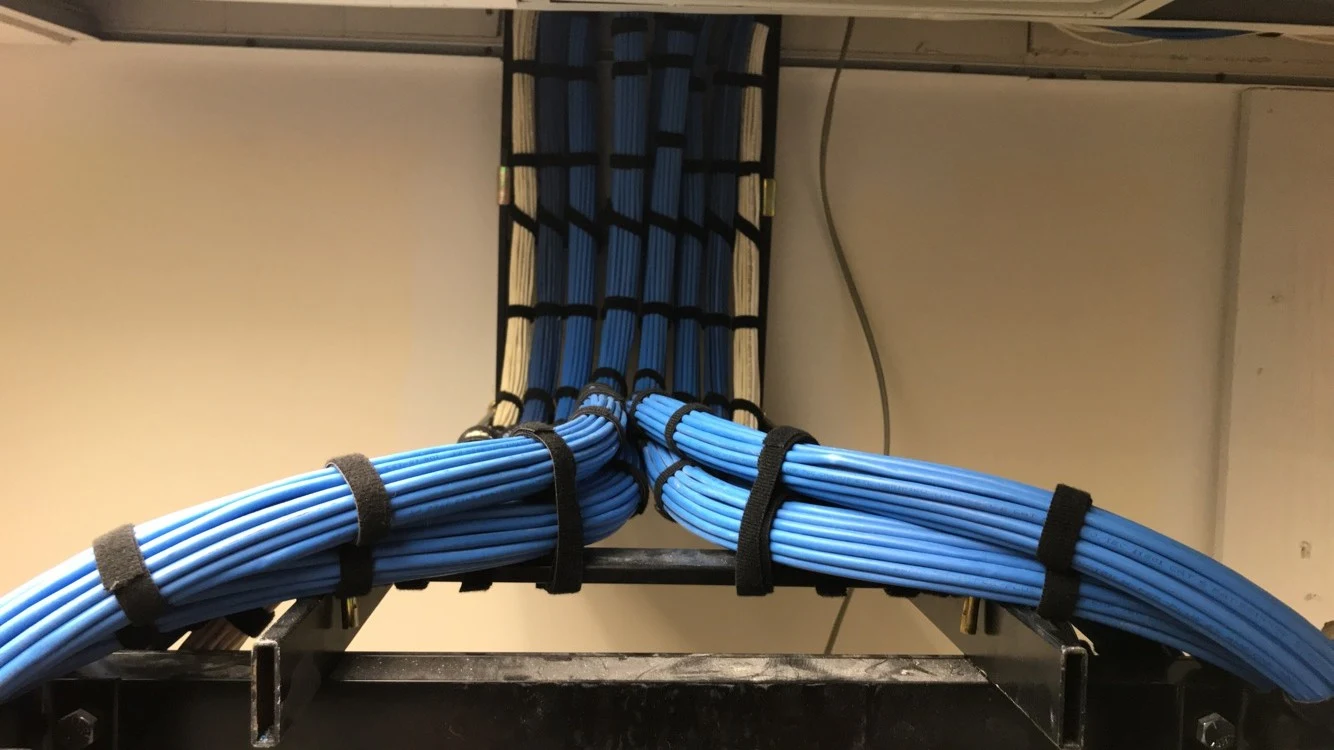
A well-built telecom room includes rack installation, high-density patch panel termination, cable management and professional cable dressing for airflow and long-term access. It also includes ladder rack or other pathways to carry cable in, and telecommunications grounding and bonding to meet NEC safety codes.
Network Equipment: UniFi Gateways, Switches, APs and Cameras
The cabling is only half of a working network. Gateways connect the office to the internet, switches connect every wired device, APs deliver WiFi and IP cameras record activity across the facility.
Z-Tech supplies, installs and configures UniFi gateways, switches, APs and cameras, so the hardware and the cabling are planned together. Every facility is different. The required number of access points depends on the building size, construction materials, user density and coverage requirements, and each AP needs its own cable run. Learn more about commercial WiFi and access point cabling, or why an extender falls short in an office.
Testing, Labeling and Documentation
Infrastructure is only as useful as its records. When specified in the proposal, copper runs are certified with Fluke DSX equipment to verify speed, bandwidth capacity and signal integrity. Fiber testing, labeling and the documentation delivered at the end, such as test results and rack diagrams, are also defined in the agreed project scope.
Those records pay off every time something changes. A new hire, a moved desk or a new IT provider can trace a port in minutes instead of pulling ceiling tiles.
Planning Network Infrastructure for a Dallas Office Move or Buildout
Start early. Cabling is installed before ceilings close and furniture arrives, so it needs to be planned while the floor plan is still flexible. A practical order looks like this:
- Confirm the floor plan and where people, printers, APs and cameras will be.
- Decide who will supply and configure the network equipment.
- Have a cabling contractor review the space or plans to plan telecom rooms, pathways and runs.
- Get a proposal that spells out cabling, equipment, testing, labeling and documentation.
- Schedule the install around construction, and after hours if the space is occupied.
Whether you are planning structured cabling for a Dallas office or a multi-floor facility, the scope depends on the building and how it will be used.
Moving or Outgrowing Your Telecom Closet?
Moving offices or outgrowing your telecom closet? Call Z-Tech at (469) 991-9100 to plan the cabling, racks, UniFi equipment and AP coverage your network needs. See our business network infrastructure services in Dallas for the full scope.
Frequently Asked Questions
What is included in network infrastructure?
Network infrastructure includes copper cabling, fiber backbone, telecom rooms, racks, patch panels, pathways and grounding, plus network equipment such as gateways, switches, APs and cameras.
Is network infrastructure the same as IT services?
Not exactly. Infrastructure is the installed network: cabling and hardware. IT services usually cover ongoing administration and support. Z-Tech installs the infrastructure, including UniFi equipment, and coordinates with your IT provider when you have one.
Do I need fiber for my business network?
You need fiber when a link exceeds the 100-meter copper channel limit or when you are connecting floors or closets across a large facility. Many offices use fiber for the backbone and Cat6 or Cat6A for workstation runs.